キーフレームを10枚置いたら、
AIは狙いどおりに撮れるのか?
Kling 4.0 は、1回で最大30秒の動画を作れて、途中の絵(キーフレーム)を最大10枚まで置けます。「この秒にこの絵」と計画したとおりに動くのか、ラーメンが1杯できあがるまでの30秒で確かめました。準備や生成の操作は、ほとんど Claude Code に任せています。
01Kling 4.0 で何が変わった?
Higgsfield なら、3つのモードを同じ画面で切り替えて使えます。
References
画像や動画を参照に入れて、人物・商品・動き・画風を指定する。
Frames
開始・中間・終了の絵(キーフレーム)を置いて、その間の動きを作らせる。今回の主役。
Edit video
作った動画の一部(服・背景など)だけを指示で変える。
02どんな映像で試す? → ラーメンが1杯できるまでの30秒
キーフレームを10枚置いて、「置いた絵を、置いた順番に、ちゃんと通るのか」を確かめたい。そのためには、結果を誰が見ても判定できる映像が必要です。
同じ場所・同じアングル
場面が変わらないので、「キーフレームどおりか」を見比べやすい。ズレや崩れもすぐわかる。
1枚ごとに1つだけ変わる
10枚の絵の違いがはっきりしていて、順番が入れ替わったり、何かが消えたりしたら一目でわかる。
完成形を誰でも知っている
見ている人も「次は卵かな」「なるとがない!」と一緒に判定できる。
03キーフレーム10枚は「完成形から逆算」で作る
GPT Image 2.5 で完成したラーメンを4パターン作り、1枚を選んで、そこから具材を1つずつ消していった。
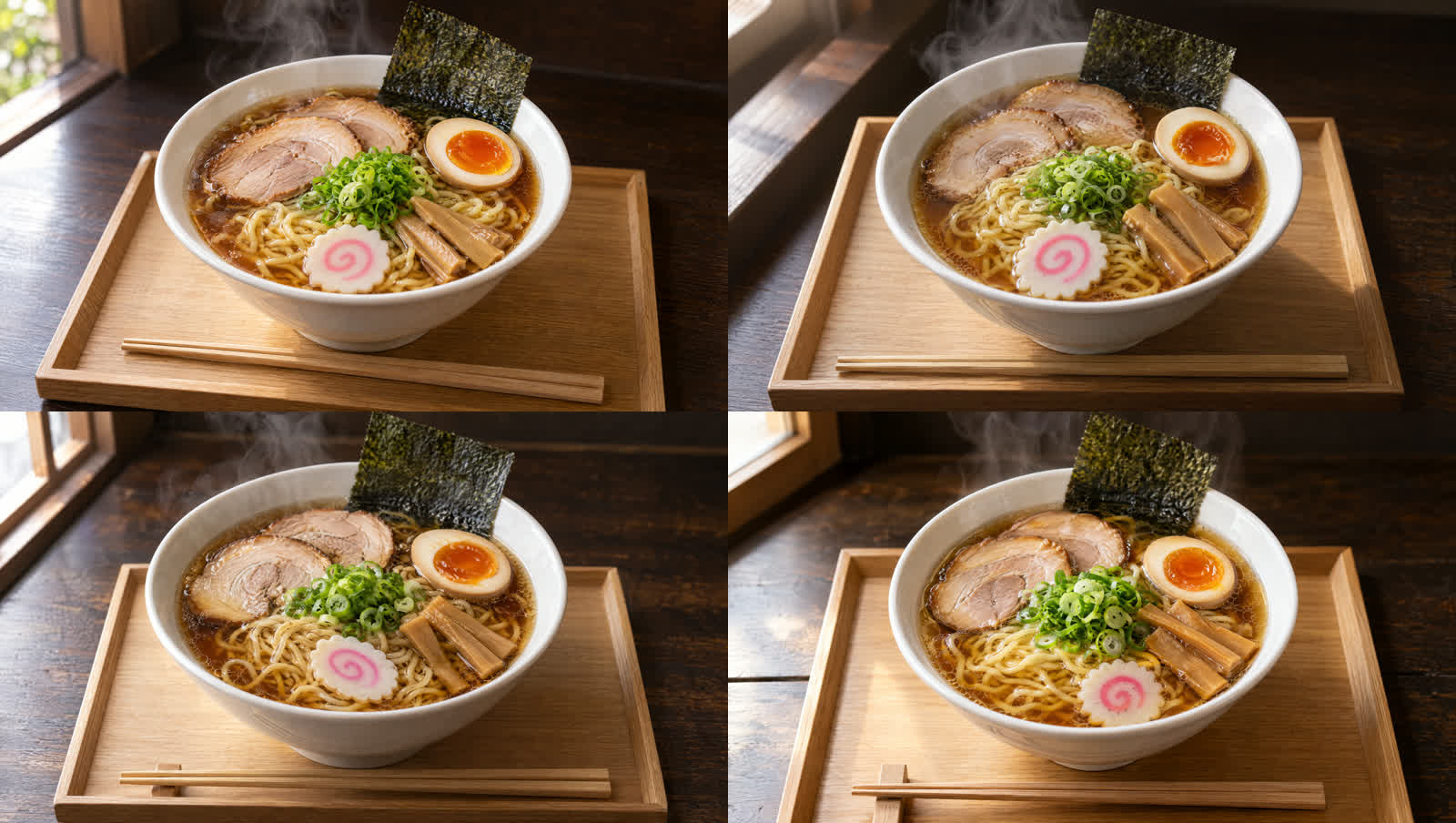
完成形の4パターン(左上を採用)・💎11
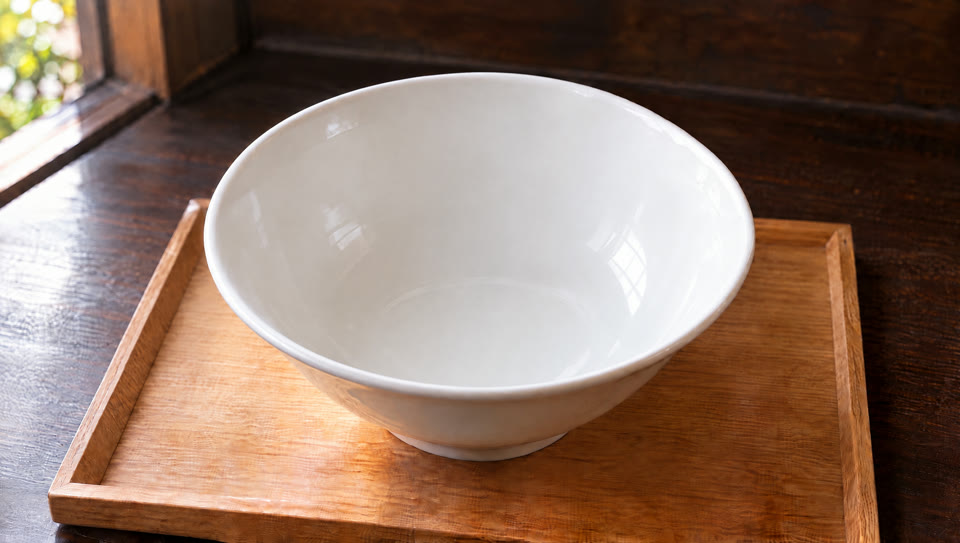
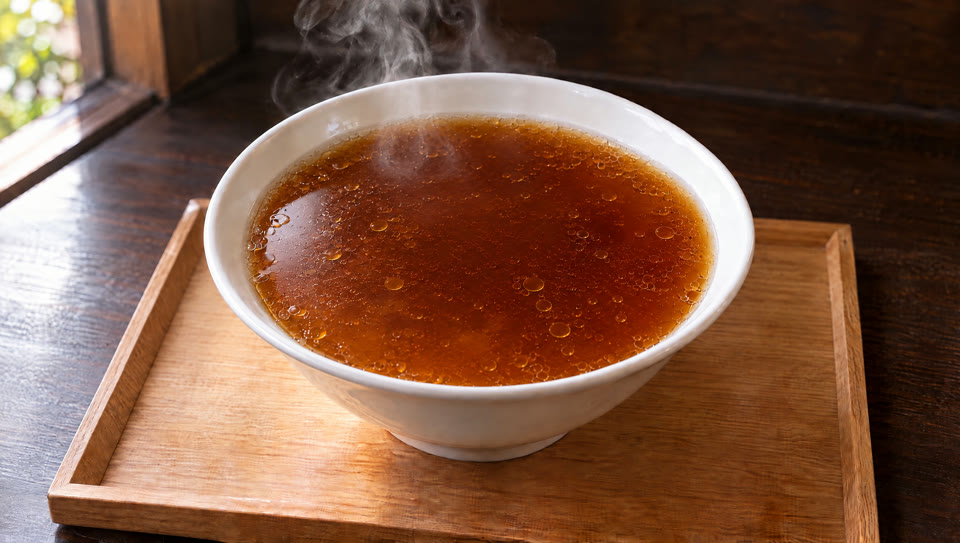
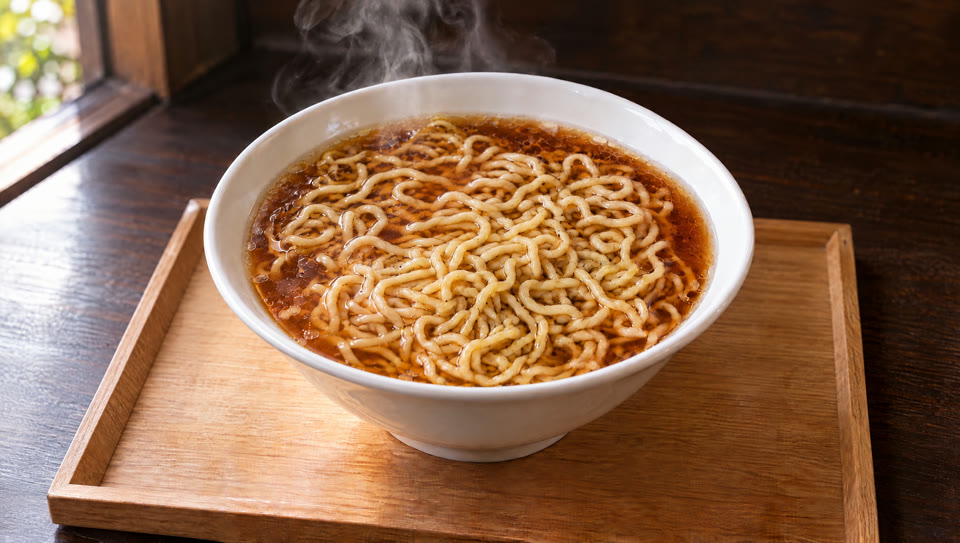
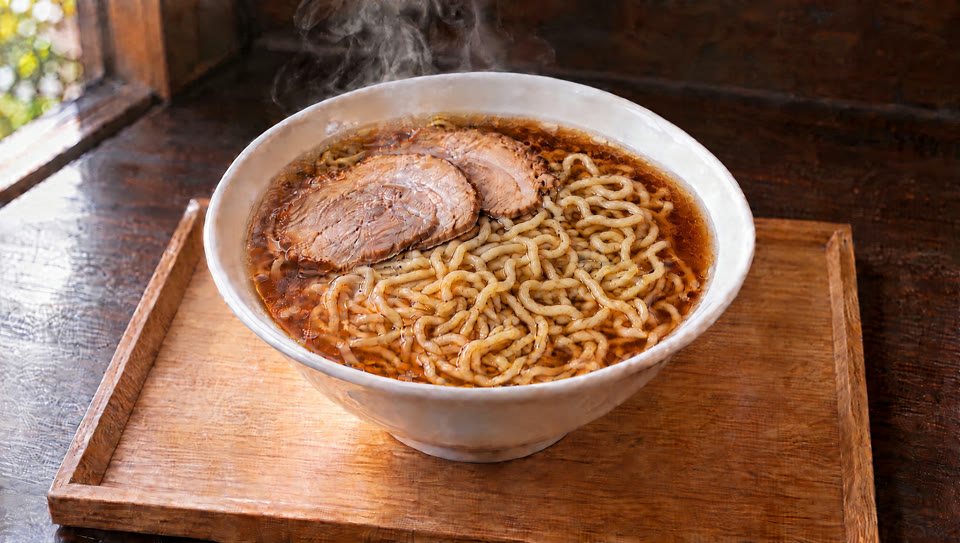
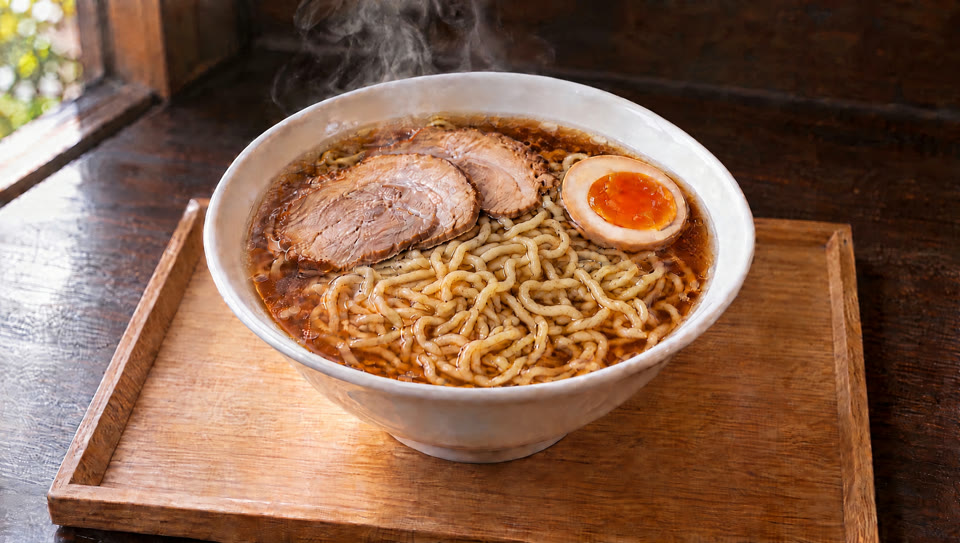
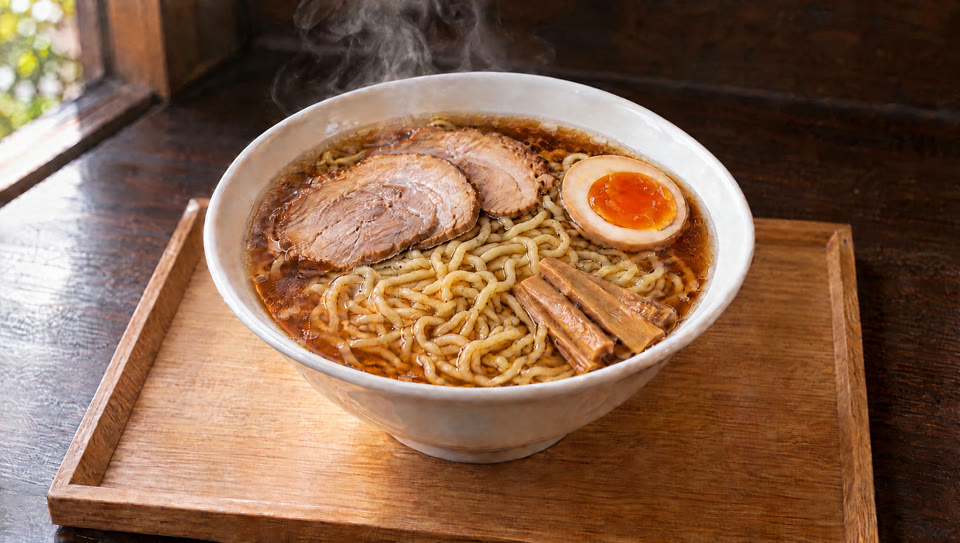
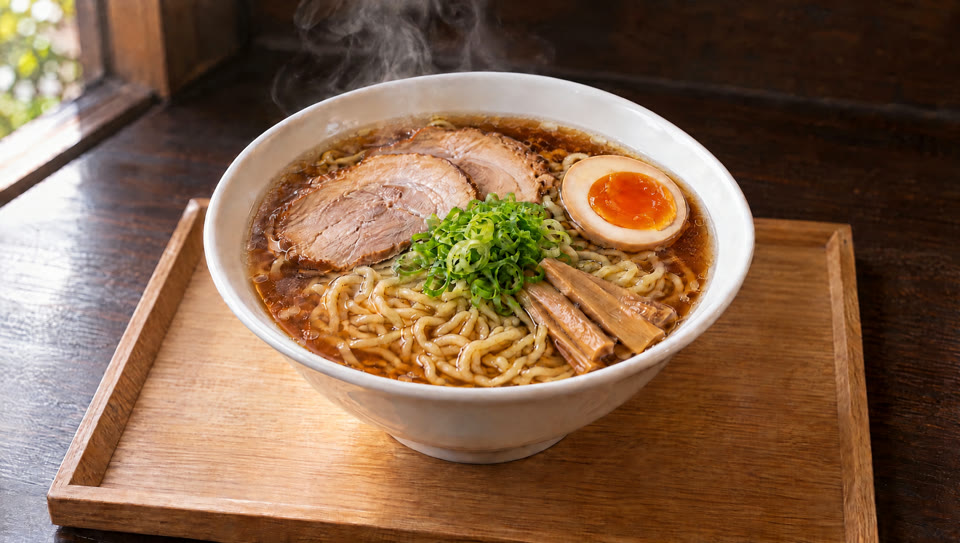
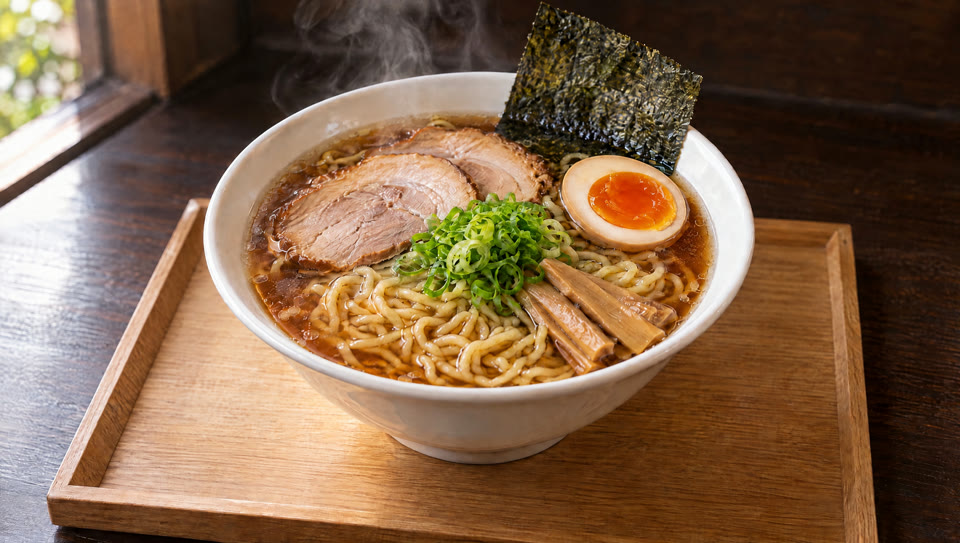
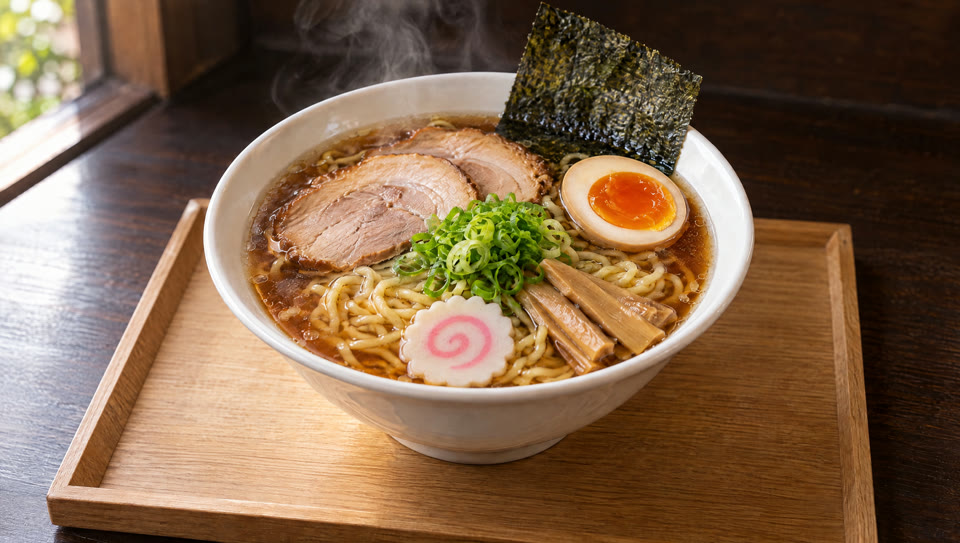
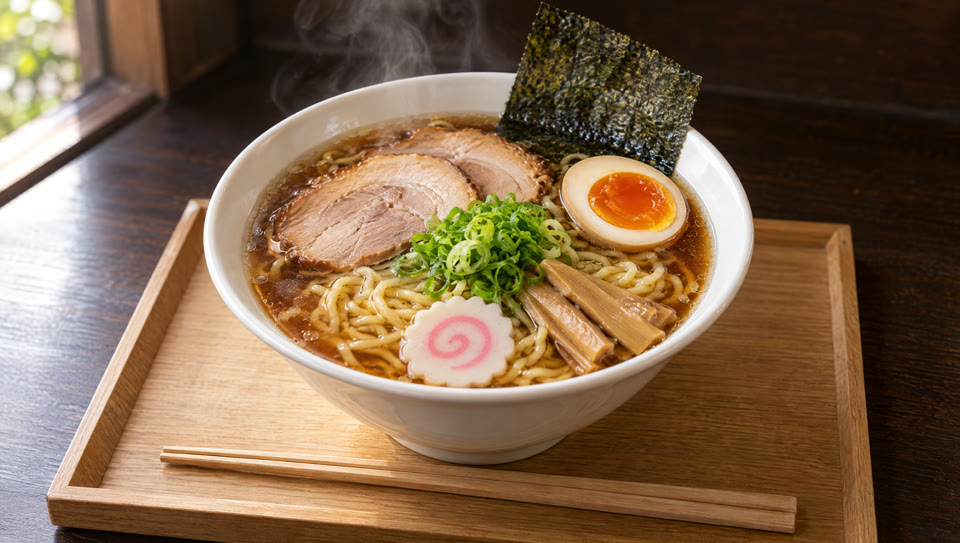
なぜ「消していく」のか
足していくより消していく方が、丼の位置や光がずれにくい。動画の最後に一番目立つ完成形を、最初にじっくり作り込める。
GPT Image 2.5 Sunburst(高画質・2K)・1枚 💎2.75・約45秒 / 10枚合計 💎35.75
04プロンプトは「道具」までこだわる
具材ごとに、ラーメン屋さんの本当の動きを指定した。
| 秒数 | 具材 | 道具と動き |
|---|---|---|
| 0〜3秒 | スープ | 片手鍋で注ぐ |
| 3〜7秒 | 麺 | テボで湯切りして入れ、お箸で整える |
| 7〜17秒 | チャーシュー・煮卵・メンマ | お箸で1つずつ置く |
| 17〜20秒 | ねぎ | 手でつまんでパラパラ |
| 20〜23秒 | 海苔 | 手で奥に立てかける |
| 23〜27秒 | なると | お箸で手前に置く |
| 27〜30秒 | 箸 | 手で盆に置き、湯気の立つ完成形で止まる |
One continuous 30-second shot from a locked-off camera at a fixed 45-degree high angle, like a ramen shop counter. No cuts, no camera movement. A white ramen bowl on a wooden tray by a window is built up step by step, passing through every keyframe in order. A cook's hands and tools enter from the top of the frame for each step and leave before the next keyframe.
0-3s | Keyframe 1 to 2: a small stainless saucepan tilts in from above and pours hot amber shoyu broth into the empty bowl; steam begins to rise.
3-7s | Keyframe 2 to 3: a cook holds a ramen noodle strainer basket (tebo) above the bowl, snaps it down twice to shake off the water with a few droplets flying, then slides the wavy yellow noodles into the broth; chopsticks quickly fold the noodles into a neat nest.
7-10s | Keyframe 3 to 4: cooking chopsticks pick up two slices of chashu pork one at a time and lay them at the back left.
10-13s | Keyframe 4 to 5: chopsticks gently carry a halved soft-boiled egg and set it at the back right, yolk facing up.
13-17s | Keyframe 5 to 6: chopsticks place a small bundle of menma bamboo shoots at the front right.
17-20s | Keyframe 6 to 7: a hand pinches chopped green onions and sprinkles them over the center, the pieces scattering down lightly.
20-23s | Keyframe 7 to 8: a hand tucks one sheet of nori upright against the back rim of the bowl.
23-27s | Keyframe 8 to 9: chopsticks place one naruto slice at the front.
27-30s | Keyframe 9 to 10: a hand lays a pair of wooden chopsticks on the tray in front of the bowl, then withdraws; the finished bowl holds still as steam rises.
The bowl, tray, window light and background stay identical throughout. Each ingredient appears only once and stays exactly where it is placed. Only the cook's hands and tools are visible, never a face.
05結果:キーフレームあり vs テキストだけ
同じ内容を、キーフレームなし(文章だけ)でも作って比べた。3本を同時に再生できます。
Kling 4.0 + キーフレーム10枚
💎30・30秒・1080p
Kling 4.0 + 文章だけ
💎30・30秒・1080p
Seedance 2.5 + 文章だけ
💎480・30秒・1080p
狙った秒数で止めて比べる
| 狙い | 置いたキーフレーム | Kling+キーフレーム | Kling+文章だけ | Seedance+文章だけ |
|---|---|---|---|---|
| 0秒 空の丼 | | 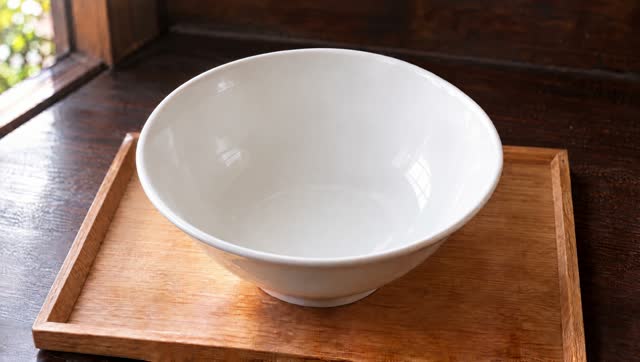 | 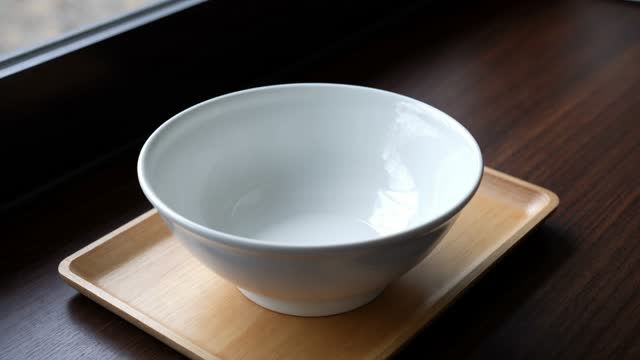 | 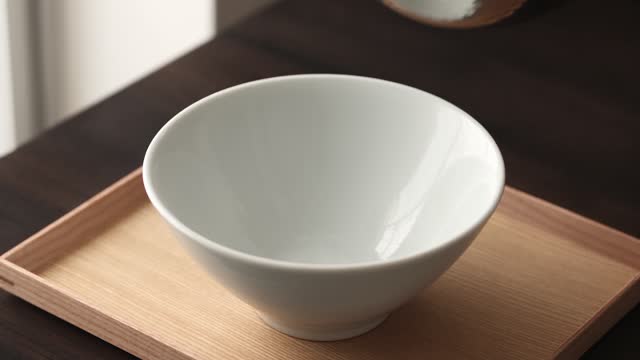 |
| 7秒 +麺 | | 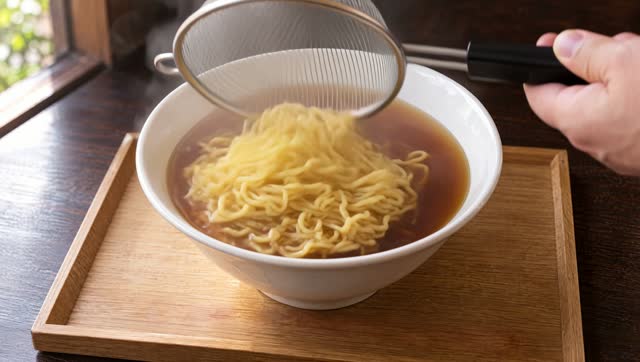 | 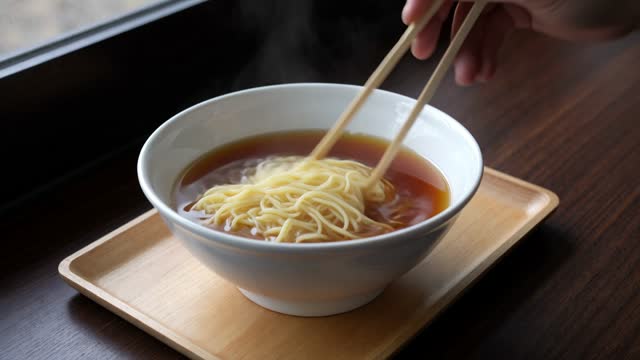 | 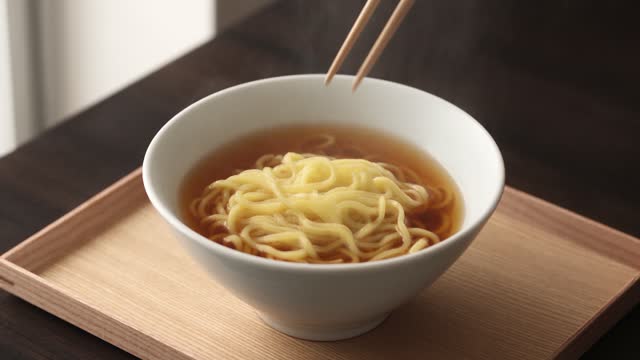 |
| 13秒 +煮卵 | | 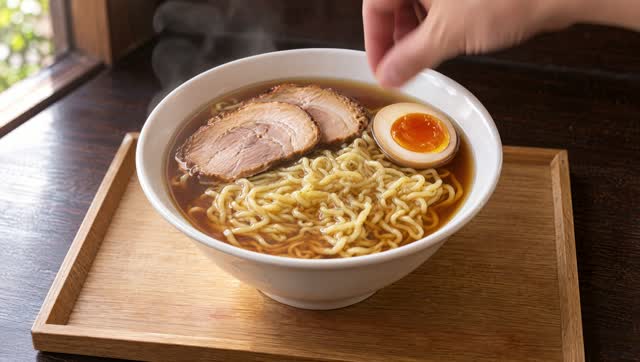 | 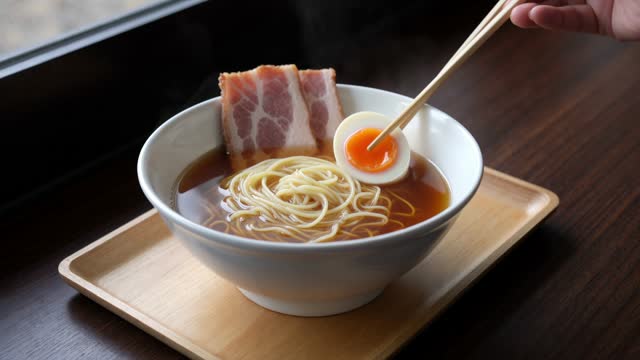 | 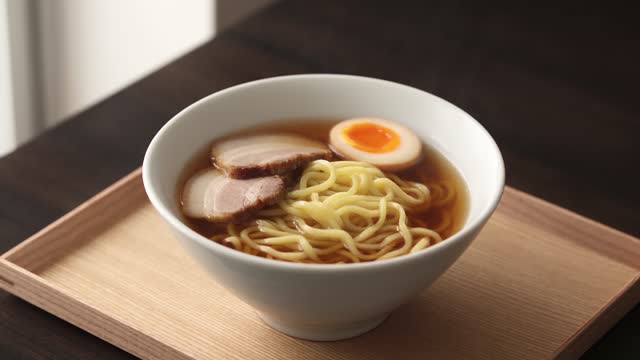 |
| 20秒 +ねぎ | | 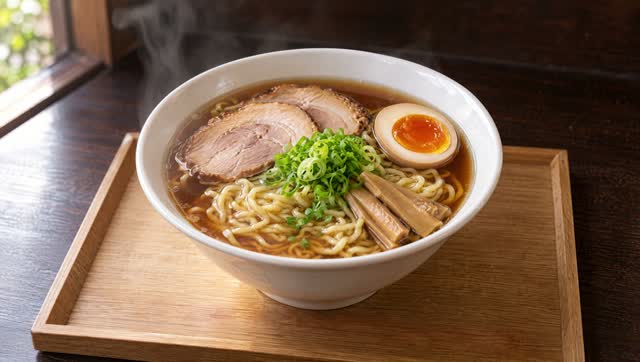 | 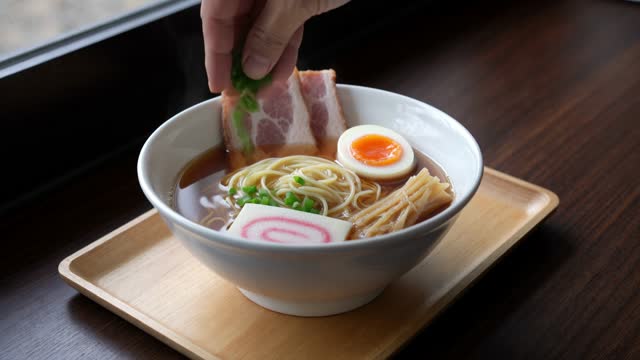 | 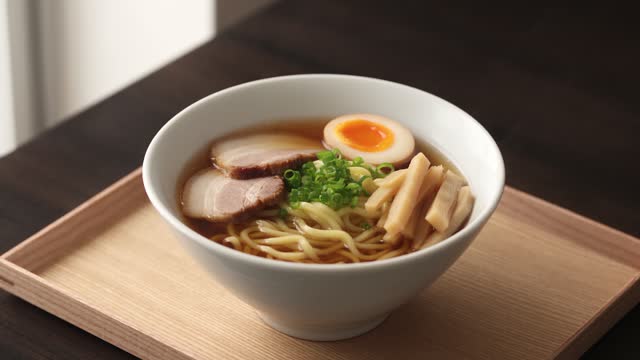 |
| 30秒 完成 | | 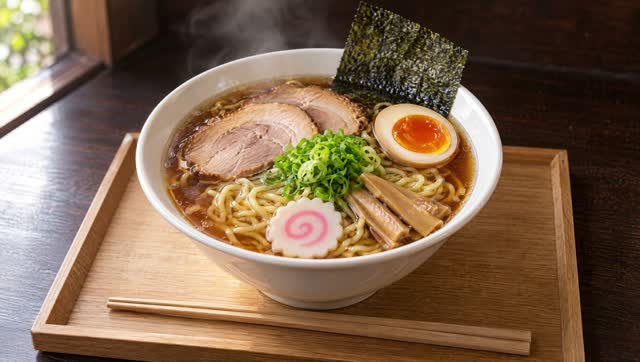 | 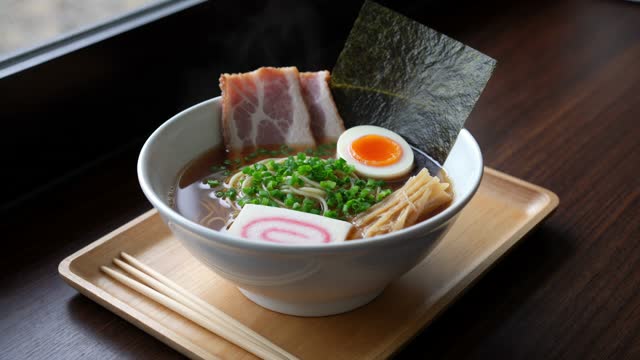 | 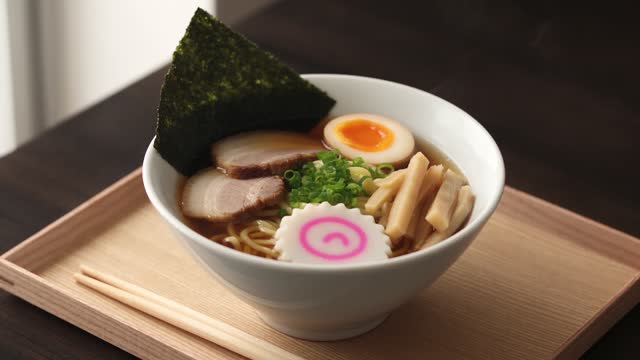 |
◎ キーフレームあり
丼・盆・窓・光が30秒間ずっと同じ。10枚の順番もほぼそのまま通り、ノーカット。見た目を計画どおりに固定できる。
△ Kling+文章だけ
カメラの高さや盆、具材の見た目が変わり、入る順番も一部入れ替わった。
○ Seedance+文章だけ
文章の指示には正確で、9工程すべて指示どおりの順番・道具。ただし見た目は自由に決まる。
Suno の曲のサビに、
キーフレーム9枚でMVを付けてみた
曲は Suno、絵は GPT Image 2.5、動画は Kling 4.0。歌詞の秒数を測って、絵を置く位置を決め、最後の編集とテロップ入れまで Claude Code に任せて、30秒のMVに仕上げました。
完成版「ミッドナイト・プロンプト」(サビ30秒・音あり)
06作り方の流れ
人がやったのは、曲を作ることと、方向性を決めることだけ。
歌詞とスタイルは Claude Code が考えた。
曲と歌詞を突き合わせて、1行ごとの開始秒を出す。
サビの盛り上がりに合わせて、切り替えの細かさに強弱をつける。
07どんなMVが刺さる?をリサーチ
チャンネルで人気の動画
「AIでMVを作る」系の動画がよく見られていた。曲を作ってMVにする流れそのものに関心が高い。
視聴者が他に見ているもの
AI動画ツール・動画編集・AIで発信して稼ぐ系、そして最近は Claude Code 系のチャンネル。
伸びているAI MV
夜の都会を描いたシティポップ調のAIアニメMVが、大きく伸びていた。
08Suno に入れた歌詞とスタイル
[Chorus]
午前二時の レンダリング
クレジットが 溶けてく音がする
「もう一回だけ」が 止まらない
窓の外 街はまだ眠らない
生成待ちの 三十秒で
夢の続きを 見に行けたら
Midnight prompt, Midnight prompt
画面の中で 朝を描く
Japanese city pop, late-night 80s groove, 98 BPM, funky slap bass, Rhodes electric piano, gated snare, shimmering synth pads, brass stabs, warm female vocal, nostalgic and bittersweet, catchy hook chorus
rap, metal, EDM drop, autotune
09歌詞が何秒に歌われているかを測る
サビの各行が歌い始める秒数を出して、絵を切り替える位置にした。
| MV内の秒 | 歌詞 |
|---|---|
| 1.0 | 午前二時の レンダリング |
| 3.4 | クレジットが 溶けてく音がする |
| 6.5 | 「もう一回だけ」が 止まらない |
| 10.7 | 窓の外 街はまだ眠らない |
| 13.8 | 生成待ちの 三十秒で |
| 16.5 | 夢の続きを 見に行けたら |
| 21.4 / 23.5 | Midnight prompt, Midnight prompt |
| 25.7 | 画面の中で 朝を描く |
10絵コンテ:9枚で強弱をつける
10枚使い切るより、曲の盛り上がりに合わせて切り替えの細かさを変えた方がおしゃれ。
| 区間 | 歌詞 | 枚数 | ねらい |
|---|---|---|---|
| 静 | 午前二時/クレジット/もう一回だけ | 3枚 | 部屋の中。1フレーズに1枚 |
| 転 | 窓の外/生成待ち | 1枚 | 窓の外の夜の街へ |
| 盛り上がり | 夢の続き/Midnight prompt ×2 | 3枚 | 一番細かく切り替える |
| 余韻 | 画面の中で 朝を描く | 2枚 | 朝へ。最後は最初の部屋に戻ってループ |
主人公は「要所」だけに出す
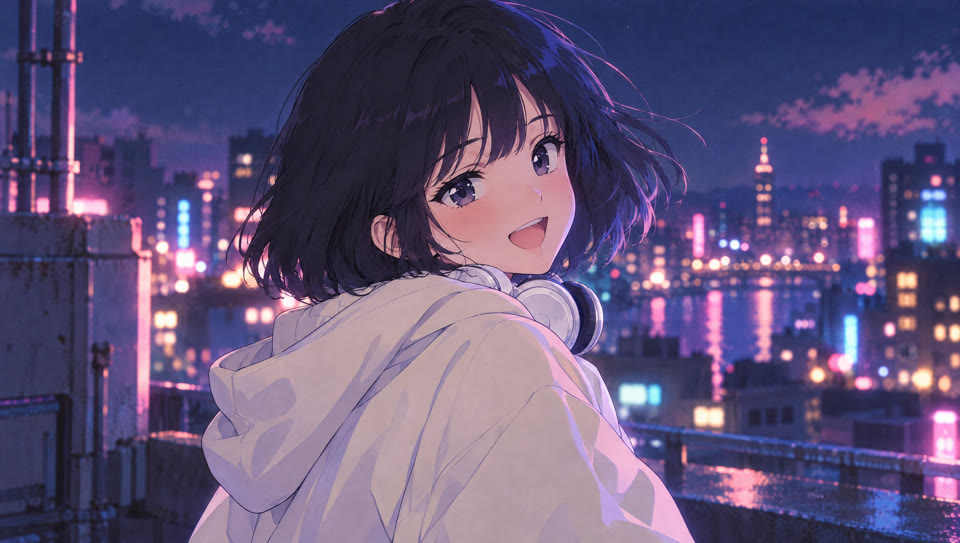
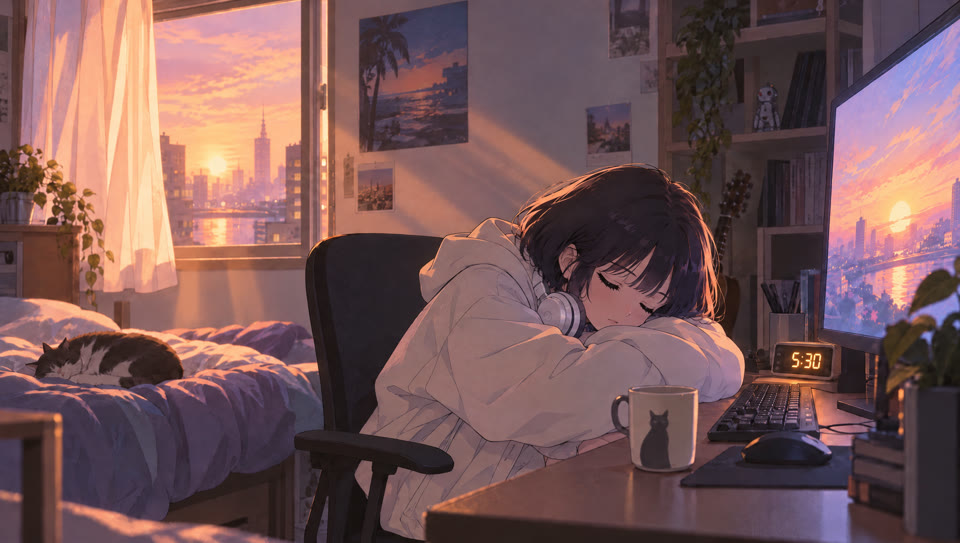
女の子が出るのは、始まり・サビの頂点・終わりの3カットだけ。残りは小物と風景で歌詞を語る。
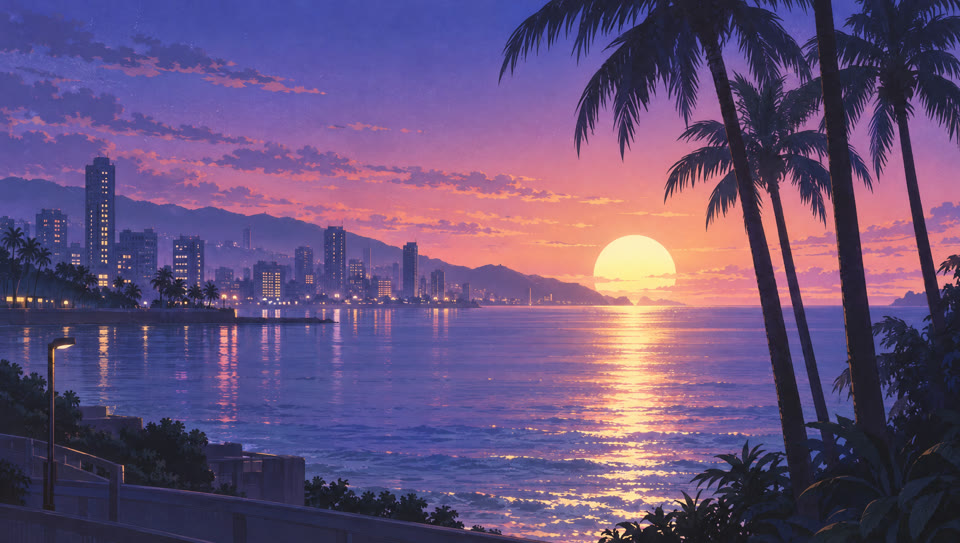
全カットに「丸い月」
人が映らないカットでも同じ世界の話だとわかるよう、月(最後は朝日)を通しのモチーフにした。
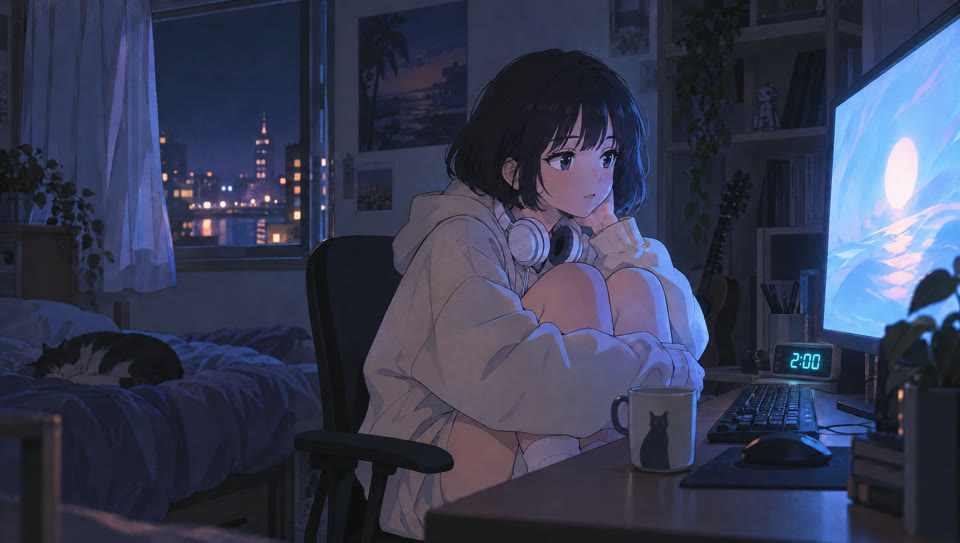
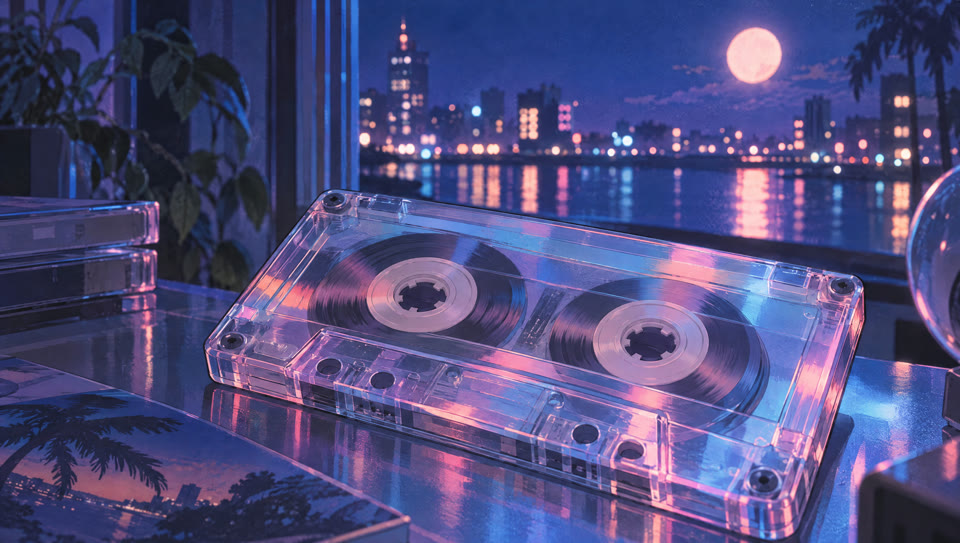
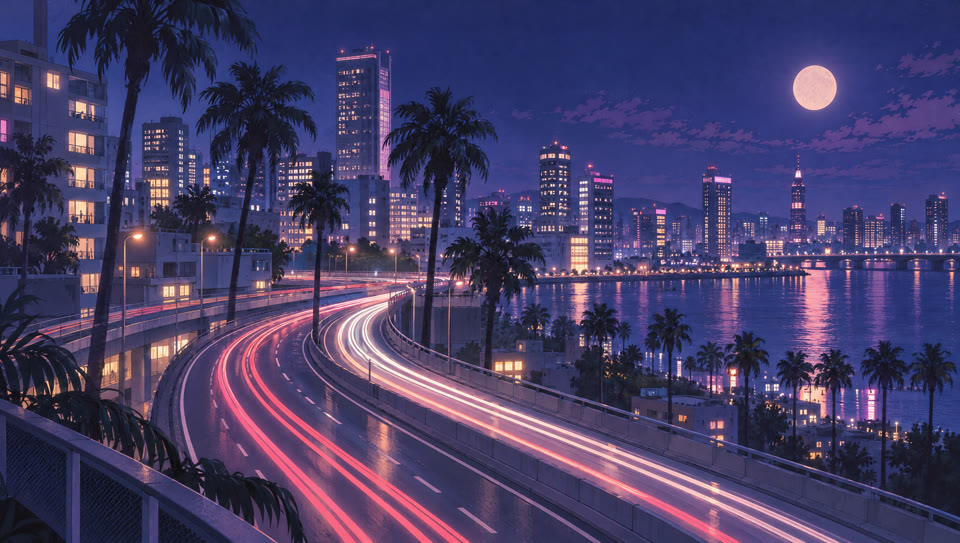
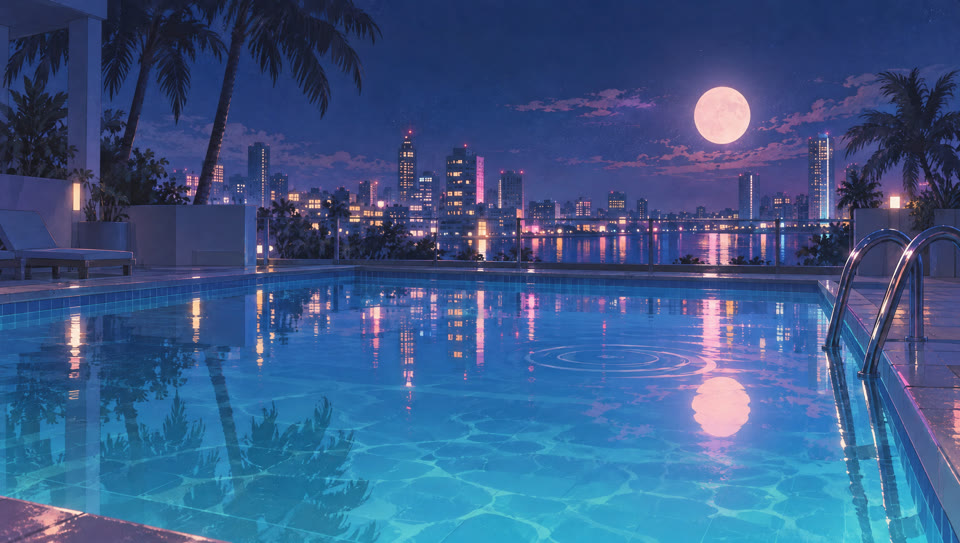
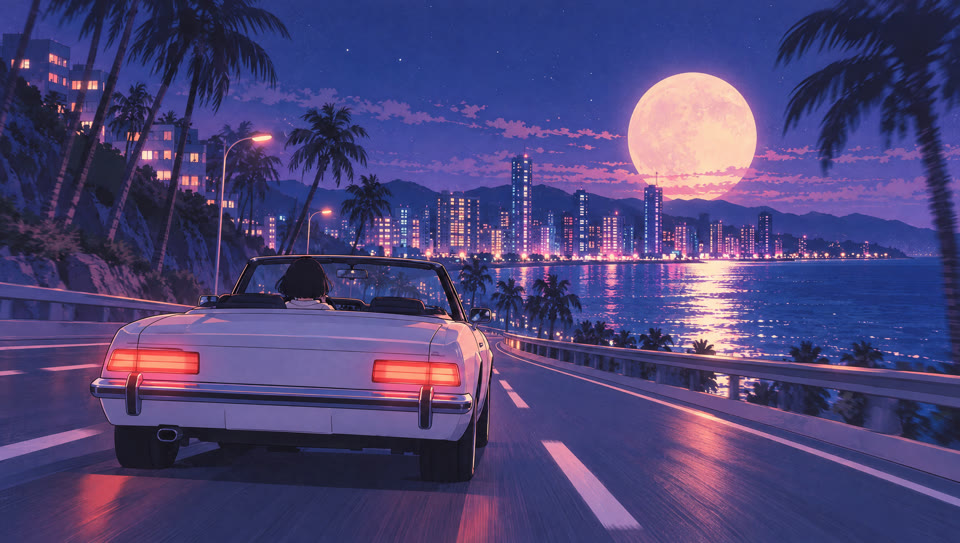
キャラクターをそろえるために
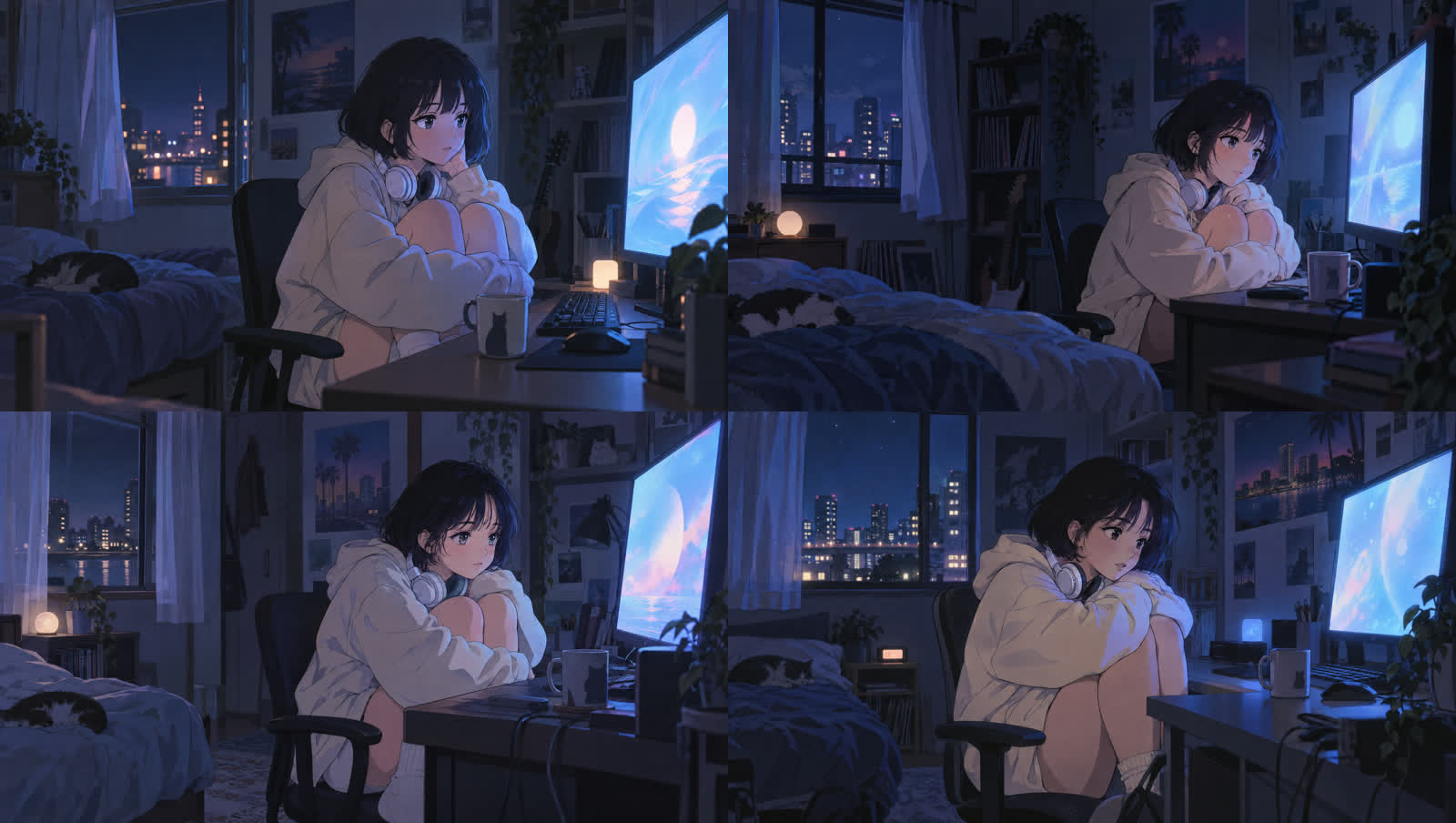
1枚目を4パターン作って選ぶ(💎11)
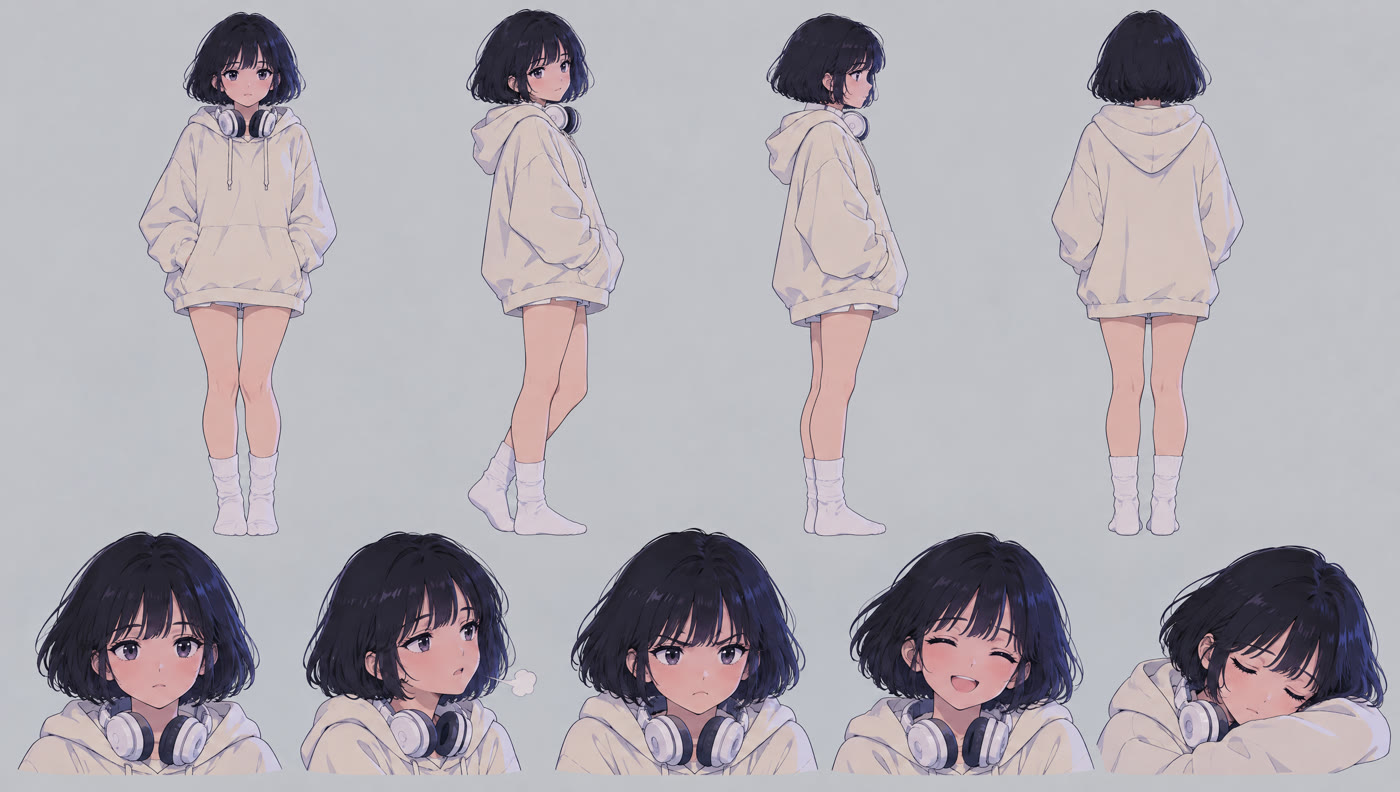
選んだ子からキャラクターシートを作り、以降の参照に使う(💎2.75)
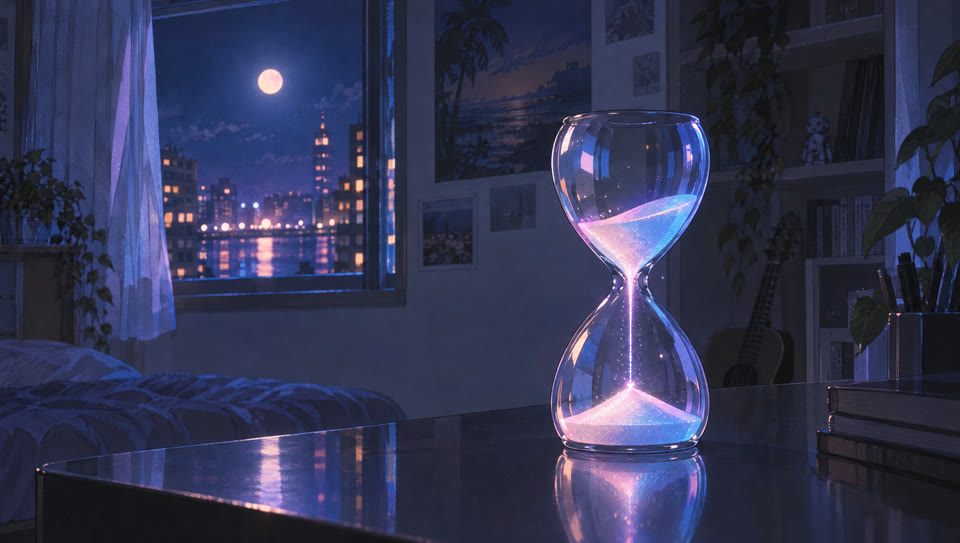
「クレジットが溶けてく」をどう絵にするか
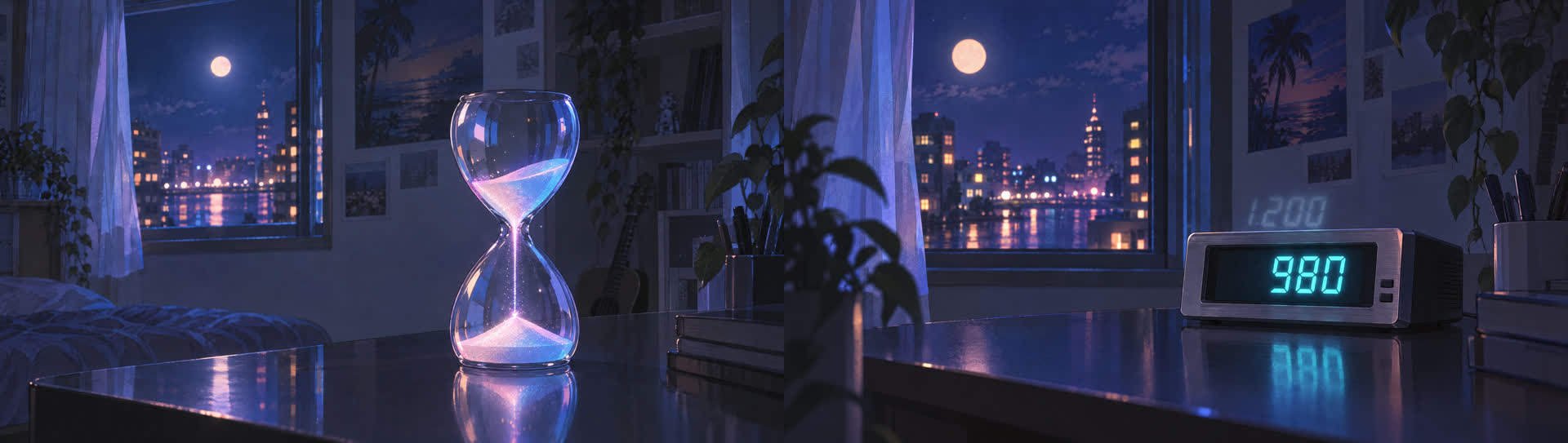
光る砂時計(左)とレトロなデジタル表示(右)の2案を作り、砂時計を採用。数字を見せなくても「減っていく」が伝わり、窓の月も映り込む。
画像はすべて GPT Image 2.5 Sunburst(高画質・2K)・1枚 💎2.75
11Kling 4.0 に入れたプロンプト
9枚を置く秒数を歌詞の切れ目に合わせ、場面と場面のつなぎ方も1つずつ指定した。
A 30-second dreamy 1980s Japanese city pop anime music video in soft cel-shaded pastel neon style with subtle film grain, passing through every keyframe in order. Smooth, elegant camera moves and seamless match transitions between scenes; a round moon (and finally the sun) stays as the visual motif. Gentle, unhurried motion.
0-3.5s | Keyframe 1 (@image1) to Keyframe 2 (@image2): at 2 a.m., the girl hugging her knees in the dark room watches the glowing monitor; the camera slowly glides past her toward the desk and settles on a glass hourglass.
3.5-6.3s | Keyframe 2 (@image2) to Keyframe 3 (@image3): glowing pastel sand trickles down through the hourglass; the camera racks focus and the sparkle of the sand turns into the neon reflections on a translucent cassette tape.
6.3-10.6s | Keyframe 3 (@image3) to Keyframe 4 (@image4): the cassette reels spin in rewind again and again; the camera pushes past it through the window and rises into an aerial view of a night expressway with flowing light trails, palm trees and the moon.
10.6-16.2s | Keyframe 4 (@image4) to Keyframe 5 (@image5): light trails keep streaming through the sleepless city; the camera tilts down while keeping the moon centered, and the moon becomes its reflection on a still rooftop pool.
16.2-21.2s | Keyframe 5 (@image5) to Keyframe 6 (@image6): a soft ripple spreads across the pool and the reflected city lights stretch into road lights; a white convertible cruises along the seaside highway toward the huge moon.
21.2-23.2s | Keyframe 6 (@image6) to Keyframe 7 (@image7): neon bokeh blooms and the girl on a night rooftop turns back over her shoulder with a bright smile, hair swaying in the wind.
23.2-25.2s | Keyframe 7 (@image7) to Keyframe 8 (@image8): the night sky brightens to pink and gold, revealing a calm bay with palm silhouettes as the sun rises.
25.2-30s | Keyframe 8 (@image8) to Keyframe 9 (@image9): warm sunrise light pours through a window into the bedroom, where the girl has fallen asleep at her desk; the room holds still in the morning glow.
Keep the girl's face, short black bob, cream hoodie and white headphones consistent. No text other than what is in the keyframes, no logos.
12Kling 4.0 が出した30秒(編集前・ノーカット)
Higgsfield の Web 画面の Frames モードで生成。30秒・1080p・💎30。
置いた絵どおりに動いた?
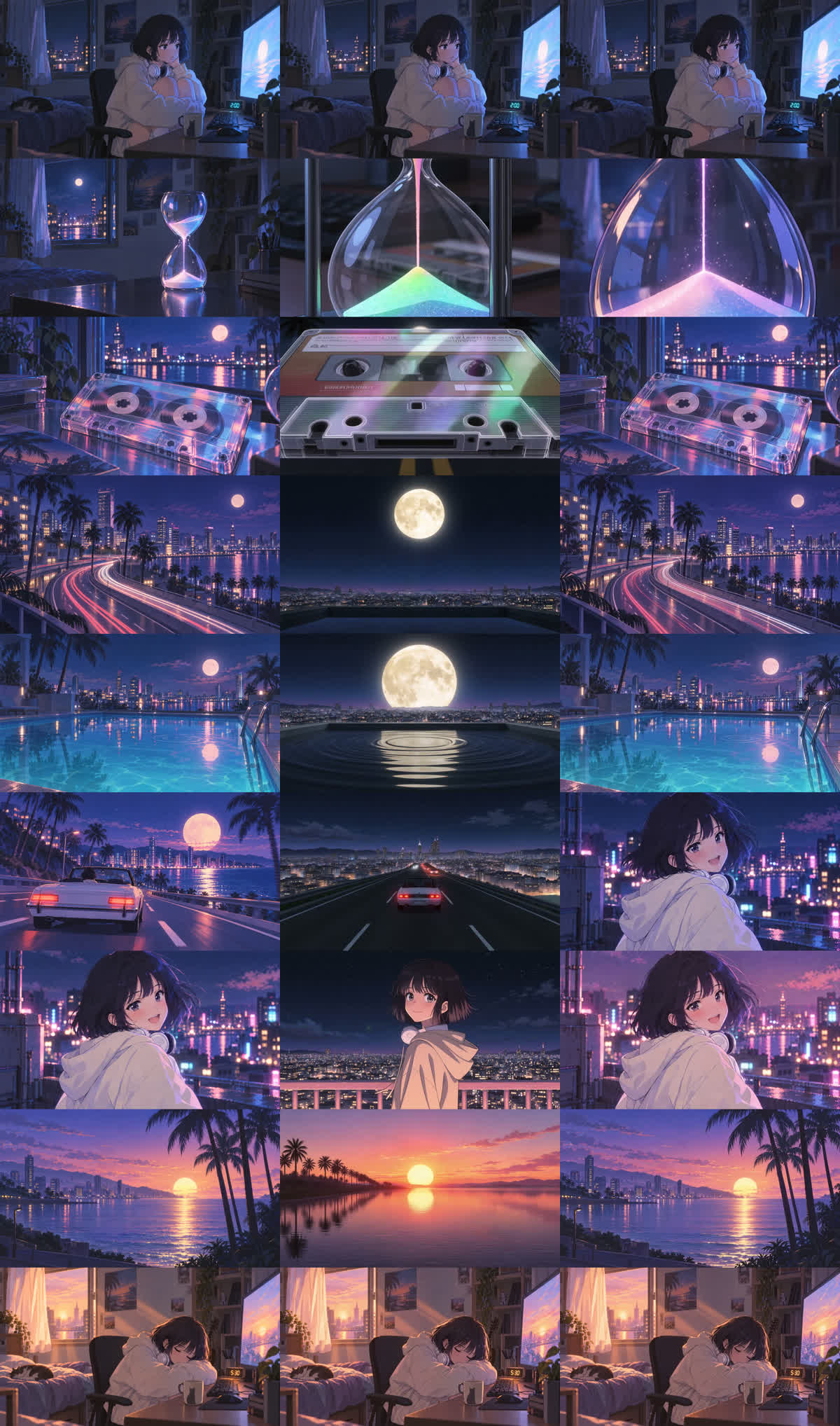
左:置いたキーフレーム / 中:Claude Code から生成した版 / 右:Web 画面で生成した版(各キーフレームの秒数で止めたコマ)
Claude Code(MCP 経由)から生成した版は、途中の絵が「雰囲気の参考」として扱われたような仕上がりになった。キーフレームをしっかり効かせたいなら、Web 画面の Frames が確実。
13編集:歌詞の切れ目に合わせて切り貼り
行の頭でカット
測った歌詞の開始秒で場面を切り替える。夢のパートはゆっくり、「Midnight prompt」は速めに、速度を0.5〜1.4倍で調整。
歌詞テロップ
歌っている間だけ表示。日本語は明朝体、英語は細身の英字で、白文字にピンクの光彩。
曲をのせる
Suno の曲の2回目のサビ(1:49〜2:19)を切り出し、頭と終わりをフェード。
完成版(サビ30秒・音あり)
14かかったクレジット
| 内容 | ツール | 💎 |
|---|---|---|
| キーフレーム画像(候補・キャラシート含む) | GPT Image 2.5 | 約60 |
| 30秒の動画(9枚のキーフレーム) | Kling 4.0 | 30 |
| 曲 | Suno | — |
| 歌詞の秒数・編集・テロップ | Claude Code | 0 |
15おまけ:失敗作(Claude Code から生成した版)
同じ9枚のキーフレーム・同じプロンプトで、Claude Code(MCP 経由)から生成したもの。編集のしかたは完成版と同じです。
失敗作(MCP 版・サビ30秒・音あり)